Welcome to the Clean Crew Hub! Everything you need for work lives here in one easy place, built just for our amazing team members.
Access Maid Central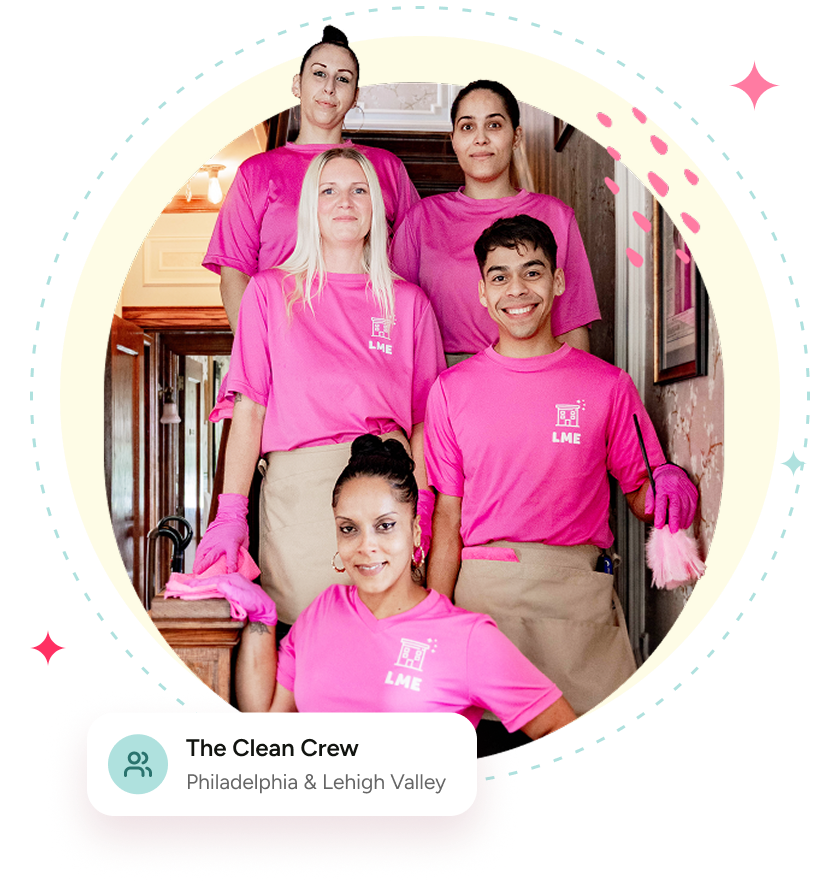

Every team member gets an email invitation to set up their QuickBooks Payroll account. Here’s how to get started:
We believe in building a strong team and supporting your success with ongoing education. Our weekly meetings keep everyone connected, informed and stocked up.
This training covers everything you need to know about using Maid Central. All team members are expected to review it and refer back as needed.
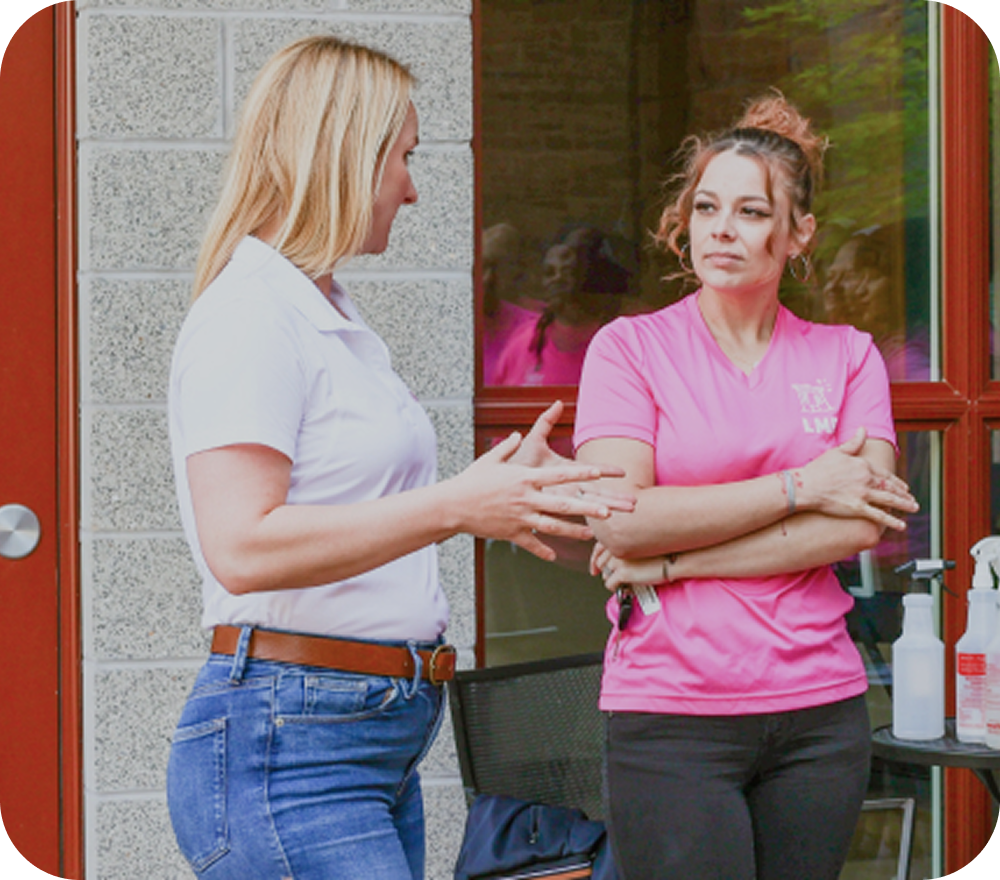
Quick answers about training, uniforms, pay, time off and holidays.
You will receive a variety of training to which all Life Maid Easy technicians are held accountable for. This will include a combination of videos, on-site training with a trainer, and a written test.
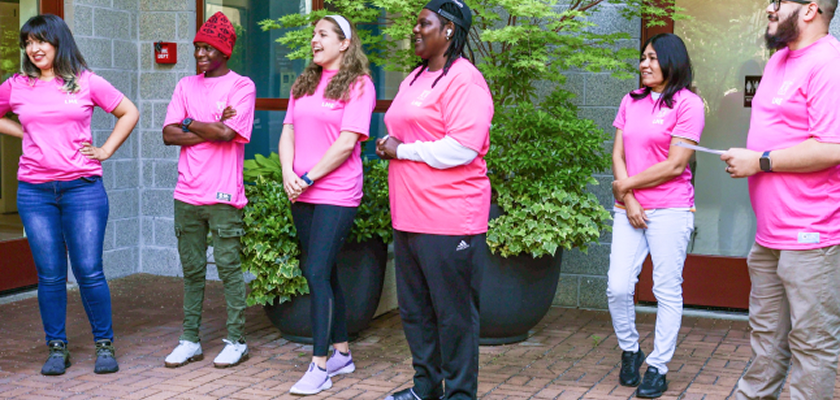
All employees are required to wear the Life Maid Easy uniform for all training sessions and work shifts. The uniform includes a company-issued T‑shirt, black, blue, or khaki pants (no sweatpants or ripped jeans), and closed‑toe shoes. Clothing must be clean, in good condition, and appropriate for a professional work environment. No clothing or accessories displaying logos other than Life Maid Easy are permitted while on duty.
Tenured employees who are issued a Life Maid Easy sweater and/or hat are expected to wear these items to appointments during colder months. Full uniform details will be provided in your New Hire Orientation packet.
Your first paycheck will be deposited two weeks after your start date. Life Maid Easy’s pay schedule includes the days worked from Thursday through Wednesday of each week.
Life Maid Easy believes in clear communication with employees. Please check your New Hire Orientation packet or contact our Office at the phone number provided there. Our Office is open from Monday through Friday, from 7 AM to 5 PM, for Technician Support.
Please submit vacation requests on your Maid Central profile at least 14 days prior to your requested time off. To request vacation or time off, log in to your Maid Central account and navigate to your Tech Dashboard. Select the option to request time off, choose the dates you are requesting, and submit the request for approval. All time-off requests must be submitted in advance and are subject to management approval. You will be notified through Maid Central once your request has been approved or denied.